
Connecting Magento
Before connecting: Enable Bearer token support in Magento
In your Magento Admin panel, go to:
Stores → Configuration → Services → OAuth → Consumer Settings
and set “Allow OAuth Access Tokens to be used as standalone Bearer tokens” to Yes, then click Save Config.
Log in to ChannelDock
-
Go to your ChannelDock dashboard.
-
Navigate to Settings > Integrations > Sales channels.
- Click on Add sales channel.
- Select Magento from the list
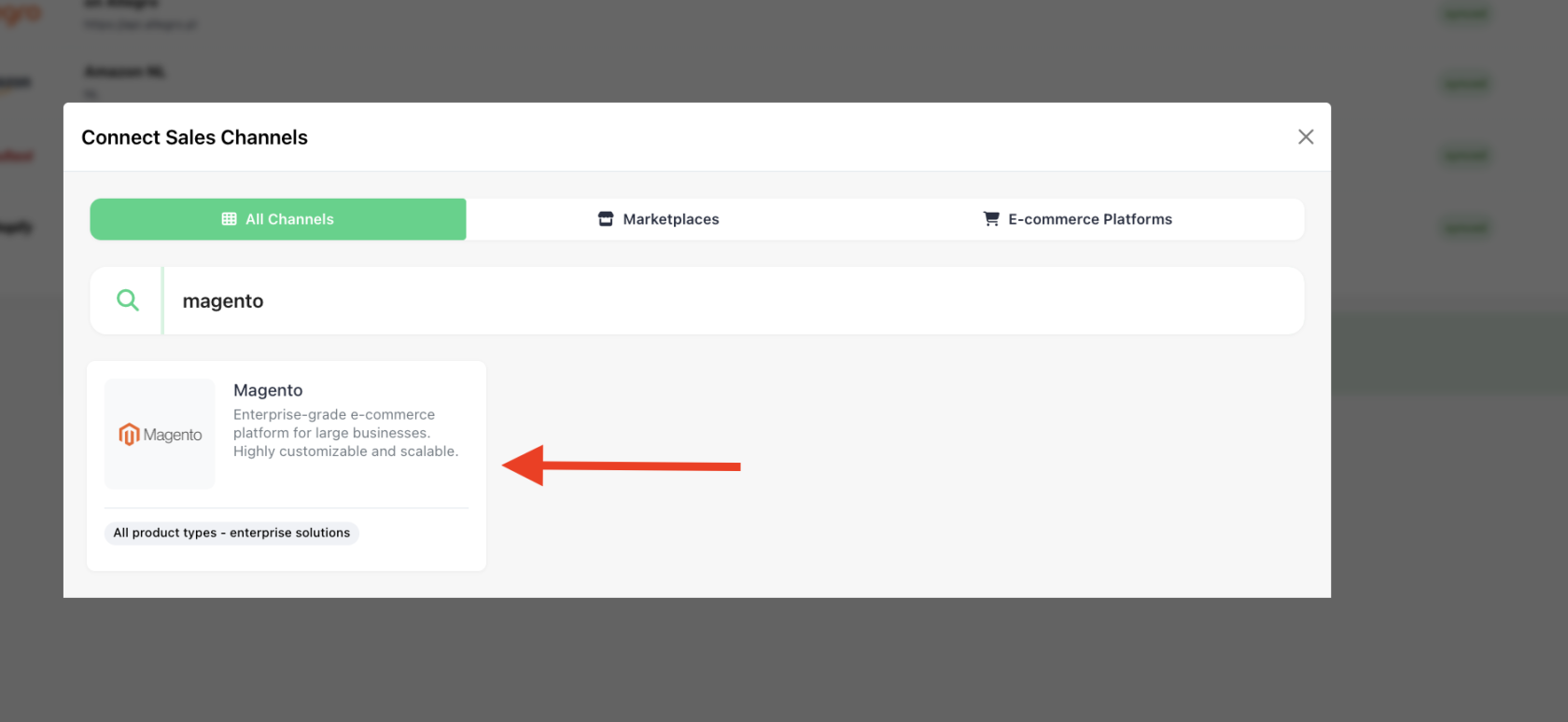
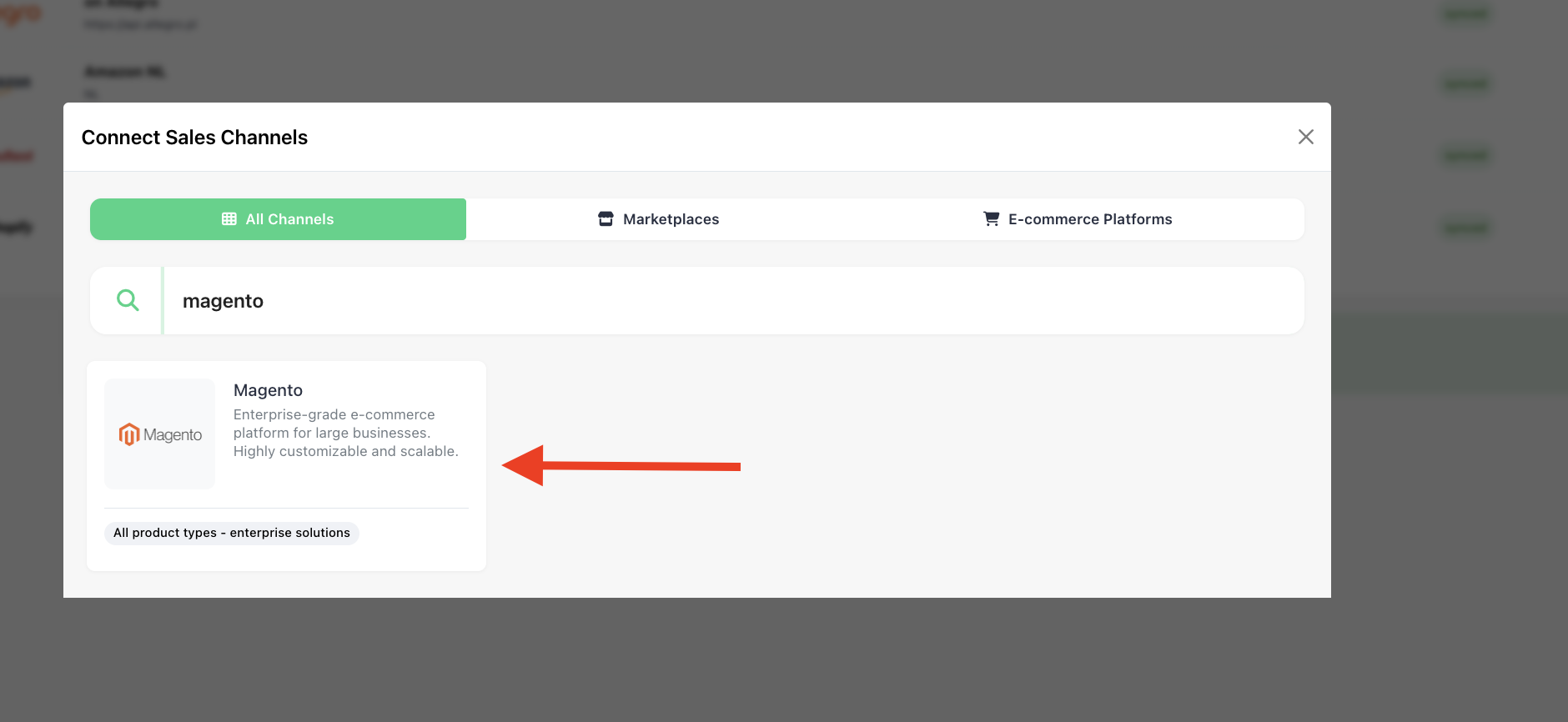
Create API credentials in Magento in your Magento admin panel
-
Go to System > Extensions > Integrations.
-
Click Add New Integration.
-
Enter a name (for example, "ChannelDock"
-
Under the API section, assign the necessary permissions (often "All", or at least permissions for
Sales,Catalog,Inventory, andOrders). -
Save the integration.
-
Activate it and copy the Access Token provided.
-
Note your Magento API URL, which is usually your store URL like
https://mymagentostore.com/.
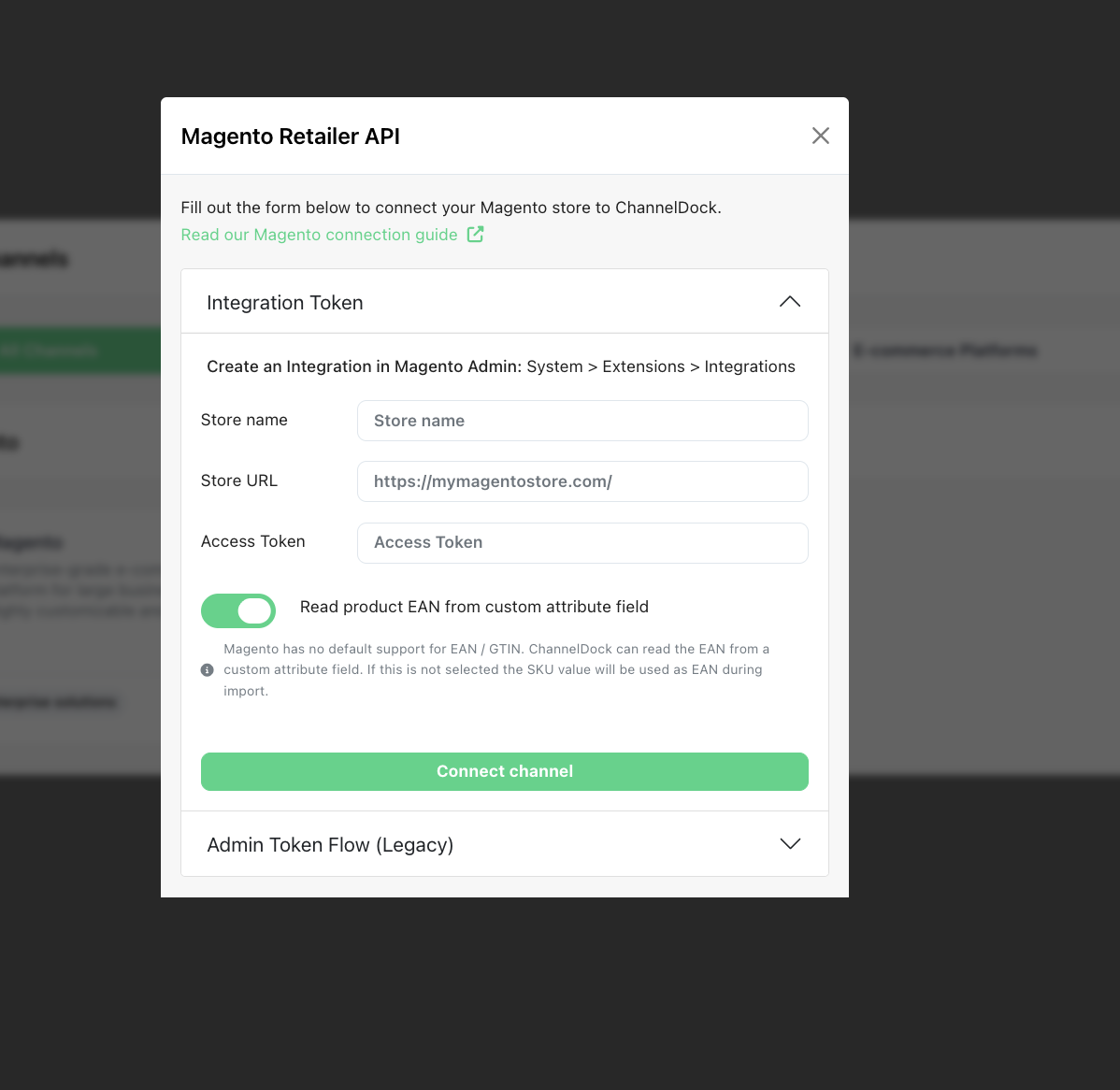
Enter Magento details in ChannelDock
-
Enter your Magento store URL.
-
Paste the Access Token.
-
Connect Channel
Important notes
-
If your Magento site uses a firewall or custom security restrictions, make sure to whitelist ChannelDock’s IP addresses.
-
Use a dedicated API integration for ChannelDock to avoid permission conflicts.
-
Always check that your API user has sufficient permissions.