
Create a delivery to your fulfillment center
(Only for sellers connected to one of our fulfillment centers)
You will need to replenish stock at your fulfilment center with some regularity. You can create those deliveries in ChannelDock:
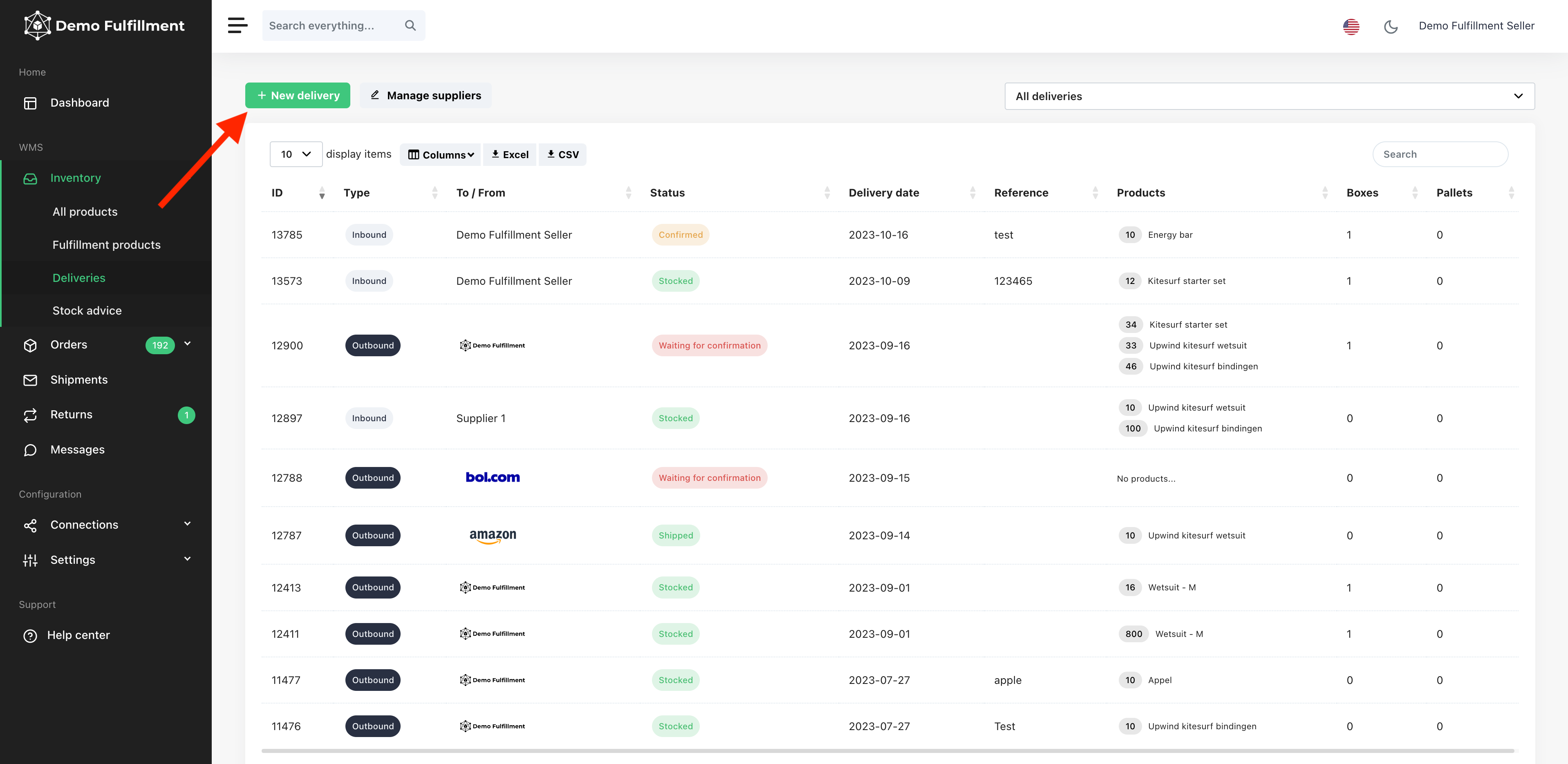
- Navigate to Inventory > Deliveries', select the fulfilment center then click 'Next'.
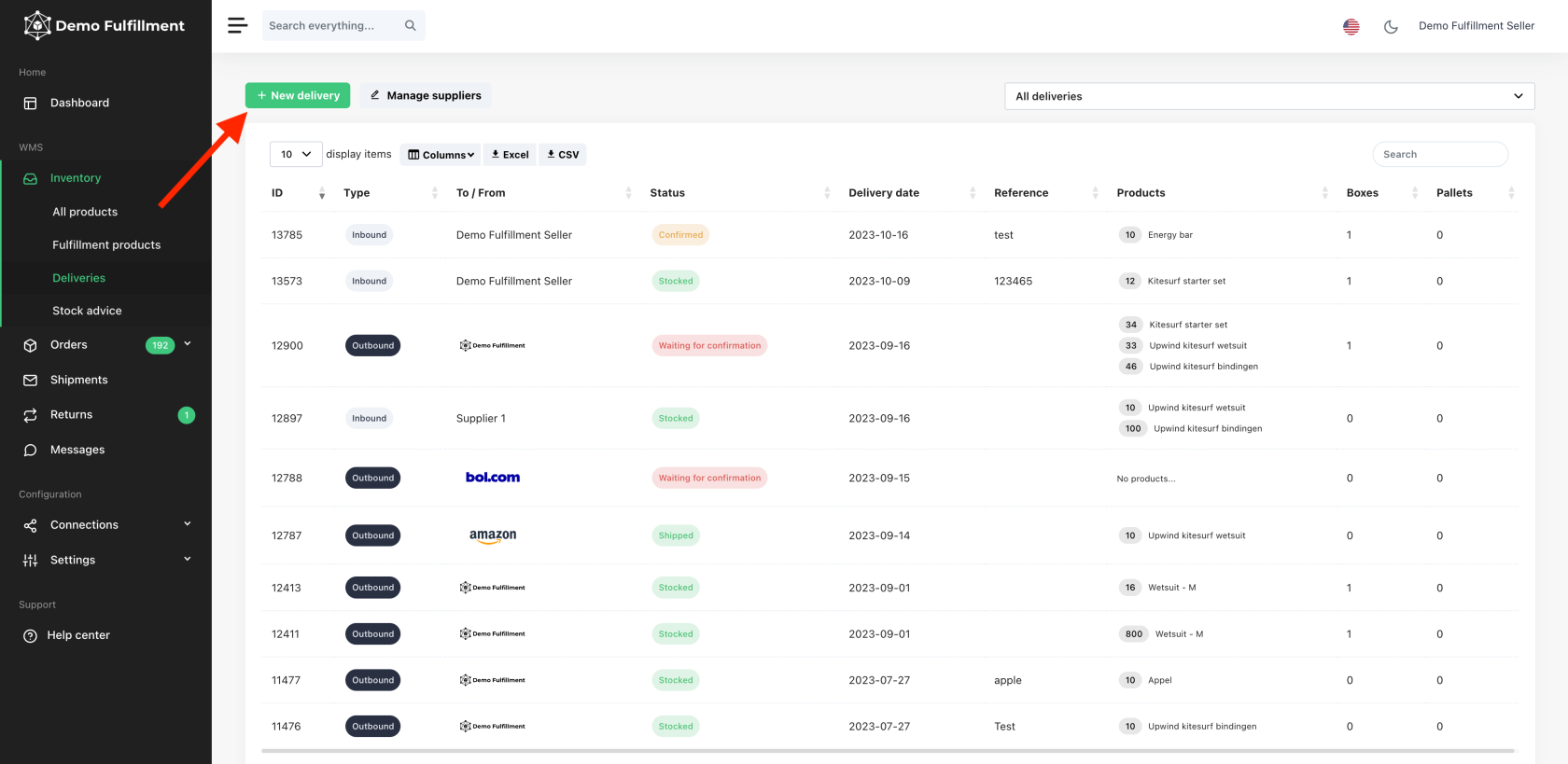
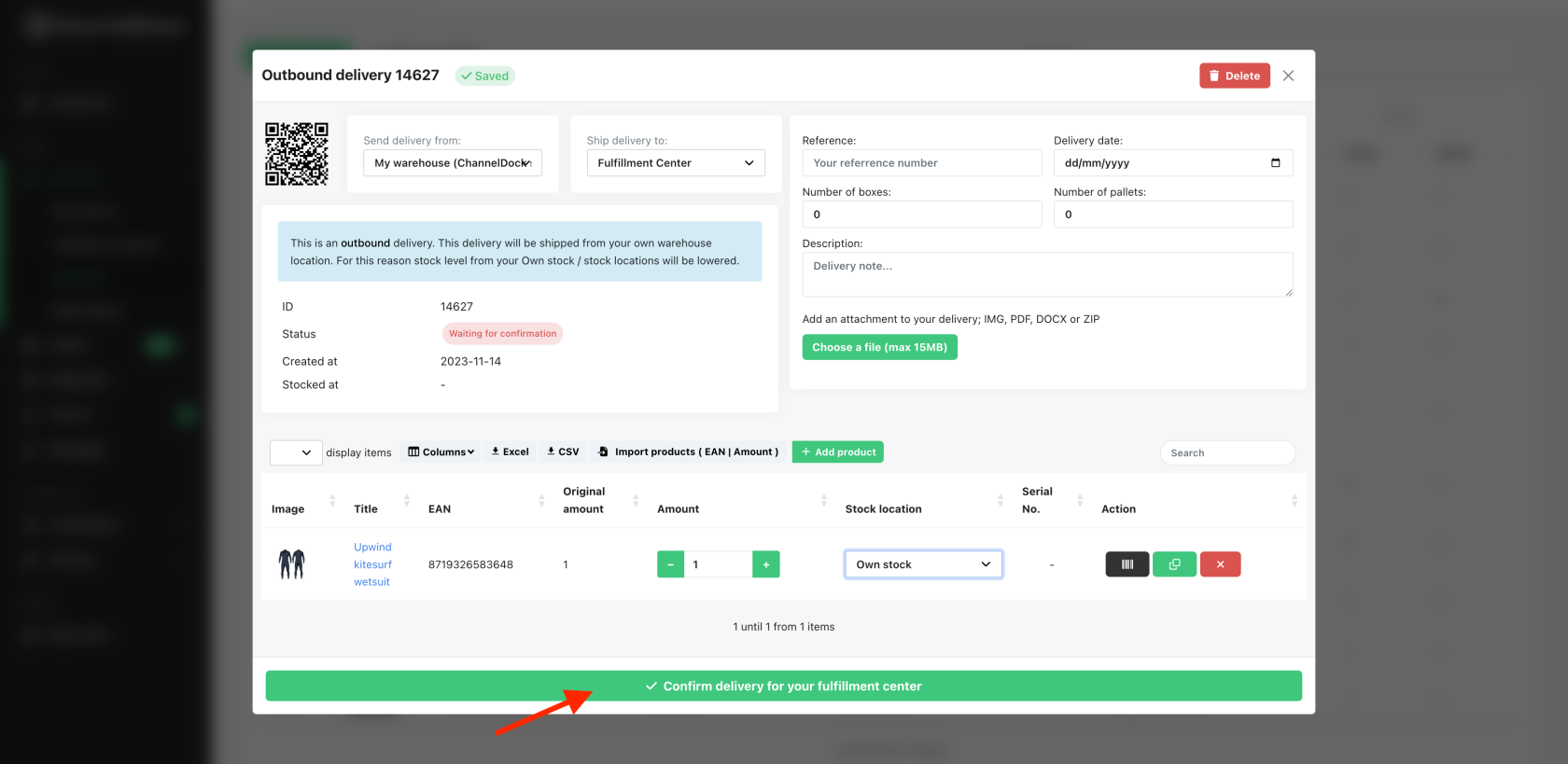
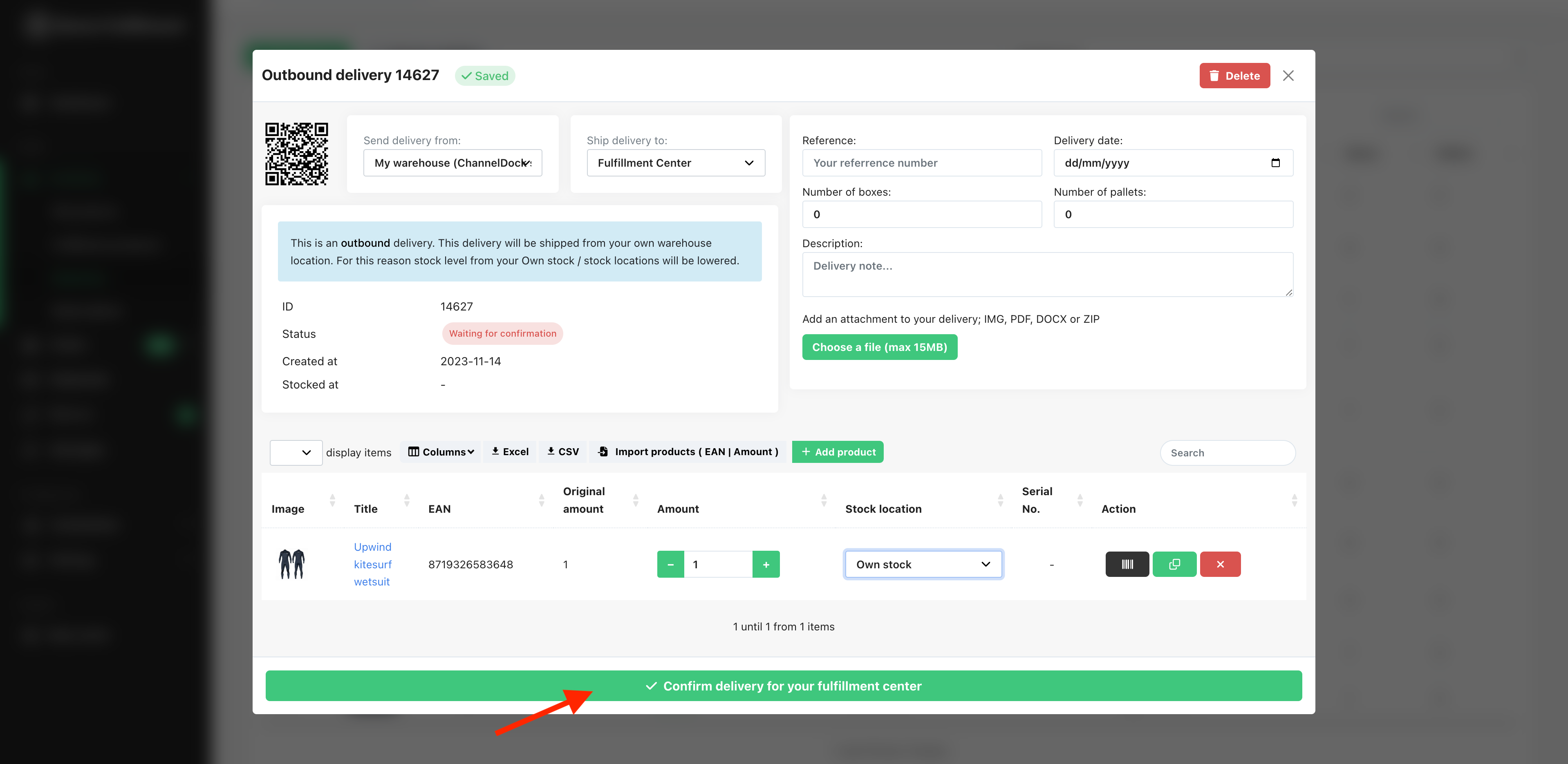
- Add the products and the amount you wish to send to your fulfillment center and 'Confirm delivery for your fulfilment center'.
Why can't I add one or more products to my outbound?
Sometimes, while creating an outbound, you may not be able to find certain products via the search field. Very likely, you have not yet linked this product to your fulfilment centre. Here's how to easily link the desired products to your fulfilment centre. After you have done this, you can find the product via the search field when creating an outbound shipment.
File Requirements for Creating a Delivery
When creating a delivery to your fulfillment center, the uploaded stock file must follow these requirements:
-
Only two columns are supported:
-
SKU or EAN
-
Stock amount
-
-
The file must contain only these two columns.
-
Any additional columns are not supported and may cause the import to fail.
Ensure your file is correctly formatted before uploading to avoid errors during delivery creation.